Want to create pricing variants for your rooms? Learn how to quickly create a price list for your department from this article.
What are price variants?
Price variants are nothing more than price lists. One price variant can be used in several rooms. Similarly, several price variants can be linked to one room. This allows you to create offers for specific age groups or different room versions.
How to create a price variant?
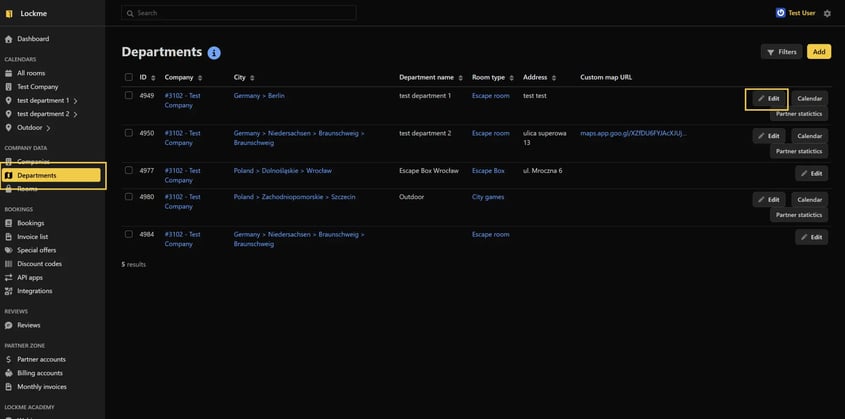
In the panel, go to the departments tab.
Edit the department for which you want to add a price variant.
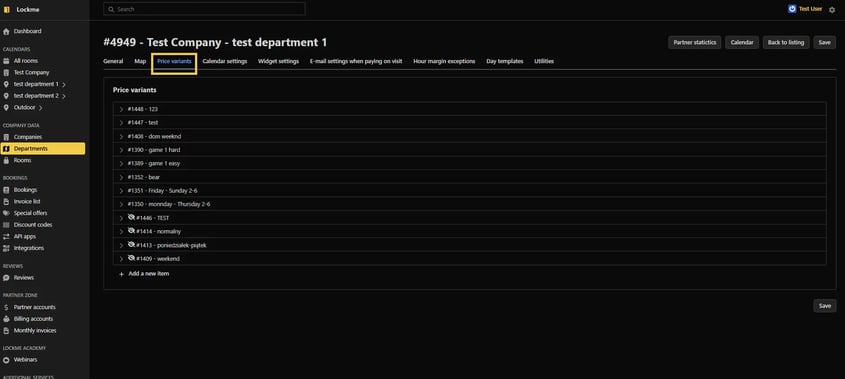
Go to the price variants tab.
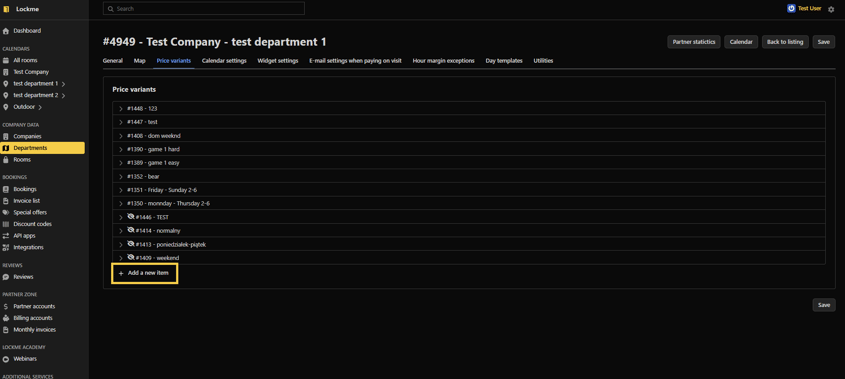
Press add a new item
Name the item (REMEMBER THAT THE NAME IS VISIBLE TO THE CUSTOMER).
Select the currency.
Select the game languages that will be available to players when choosing this price list. Missing a language? Here's how to add it.
Specify how long the game lasts
Check currently used
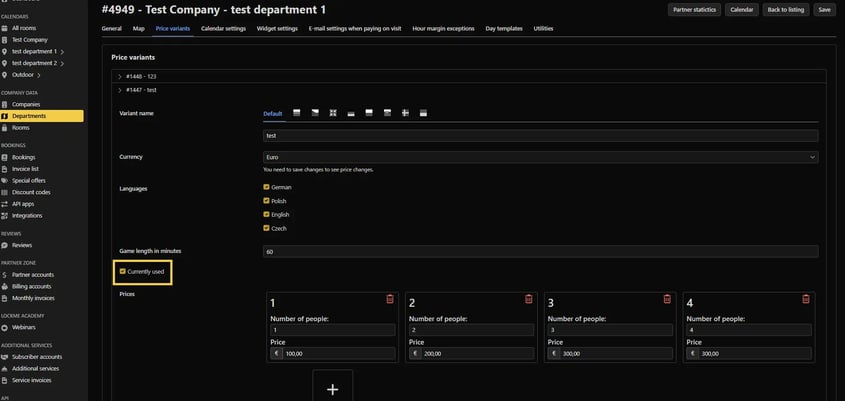
Press +
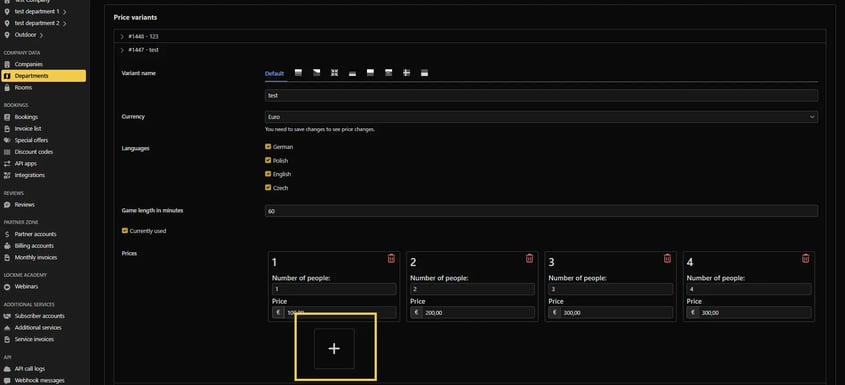
You create a price option for each possible number of people (don't worry if the currency does not match the one you selected earlier, the system will change the currency after saving)
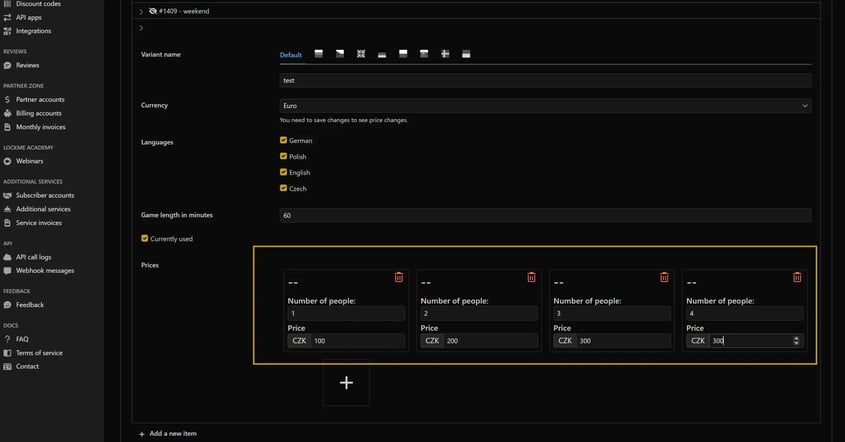
Save


How to remove price variants
It is not possible to remove price variants because they are linked to reservations. However, you can hide a variant so that it is not visible to the customer. To do this, you need to:
Go to the departments tab in the panel
Edit the department for which you want to remove the price variant.
Go to the price variants tab
Expand the variant you want to hide
Uncheck currently used
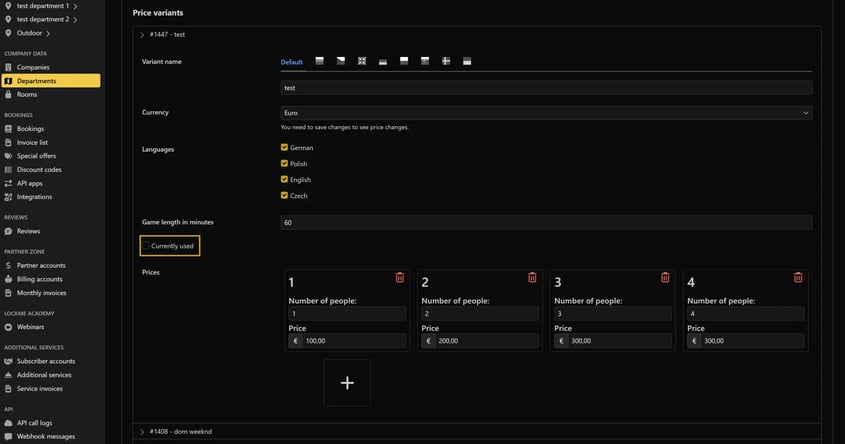
Save

An icon with a crossed-out eye appears next to unused price options

Need help with price variants?
Contact our support: support@lock.me.